

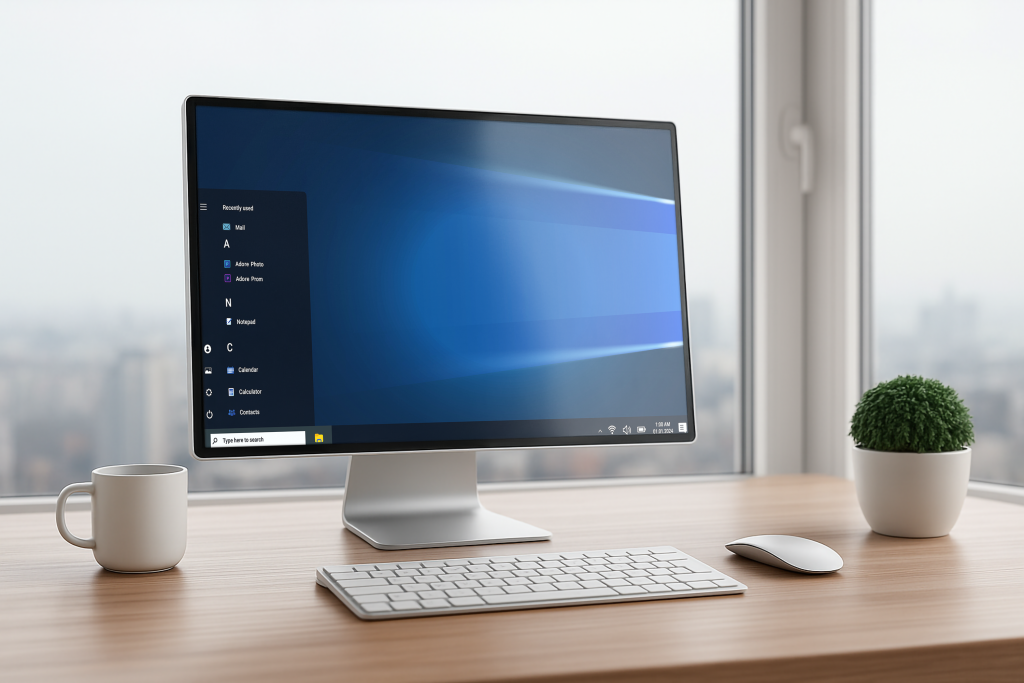
Every business relies on its computers, but few consider how critical the operating system is to daily success. The operating system powers everything from email to financial systems and cloud platforms. Windows 10 reached its official end-of-life on October 14, 2025, and businesses that continue to use it after this date are operating on unsupported technology with elevated risk.
What Operating System End-of-Life Means for Businesses
When Microsoft ended support for Windows 10, the operating system stopped receiving security patches, feature updates, and technical assistance. Systems that remain on Windows 10 are now more exposed to cyberattacks, malware, and phishing activity. Without ongoing updates, vulnerabilities remain unpatched, increasing the likelihood of data loss, service disruption, and operational impact.
Why Businesses Cannot Ignore Windows 10 End-of-Support
Operating system end-of-life is more than a technical issue. It creates business risks that impact security, productivity, and compliance. Organizations that delayed upgrades during the Windows 7 transition experienced data breaches, downtime, and costly recovery efforts that could have been avoided with proper planning.
How Cybercriminals Target Outdated Systems
Cybercriminals closely monitor operating system end-of-life timelines. Since Windows 10 support ended, attackers have increased phishing campaigns, ransomware activity, and fraudulent upgrade schemes targeting organizations still running unsupported systems. With no new security patches available, Windows 10 environments present a lower barrier to exploitation, especially when connected to modern networks and cloud services.
Business Risks Beyond Security
End-of-life also creates compatibility and performance challenges. Software vendors, hardware manufacturers, and cloud service providers have reduced or eliminated support for Windows 10. As a result, business-critical applications, devices, and peripherals may no longer function reliably. These limitations continue to affect day-to-day operations, leading to productivity disruptions, employee frustration, and unplanned IT expenses.
Actions Businesses Should Take After Windows 10 End-of-Life
Organizations that are still running Windows 10 should take corrective action to reduce exposure and stabilize their environments:
- Assess current systems to identify devices still operating on Windows 10 and evaluate their business impact
- Strengthen employee awareness around phishing attempts and fraudulent upgrade messages targeting unsupported systems
- Engage an IT partner to plan and execute a secure operating system migration
- Validate application and hardware compatibility on supported platforms before full deployment
Partnering with DML IT Solutions for Operating System Upgrades
Working with DML IT Solutions simplifies the upgrade process. We provide strategic guidance, advanced security tools, and proven methodologies to reduce downtime and ensure compliance. Businesses gain the confidence that systems are upgraded securely and with minimal disruption.
Conclusion
With Windows 10 no longer supported, businesses that continue using the platform remain exposed to unnecessary and avoidable risk. Addressing operating system upgrades strengthens security, improves system reliability, and reduces the likelihood of costly disruptions. When handled strategically, transitioning away from Windows 10 becomes an opportunity to modernize IT environments and reinforce long-term business resilience.

